
 Promotions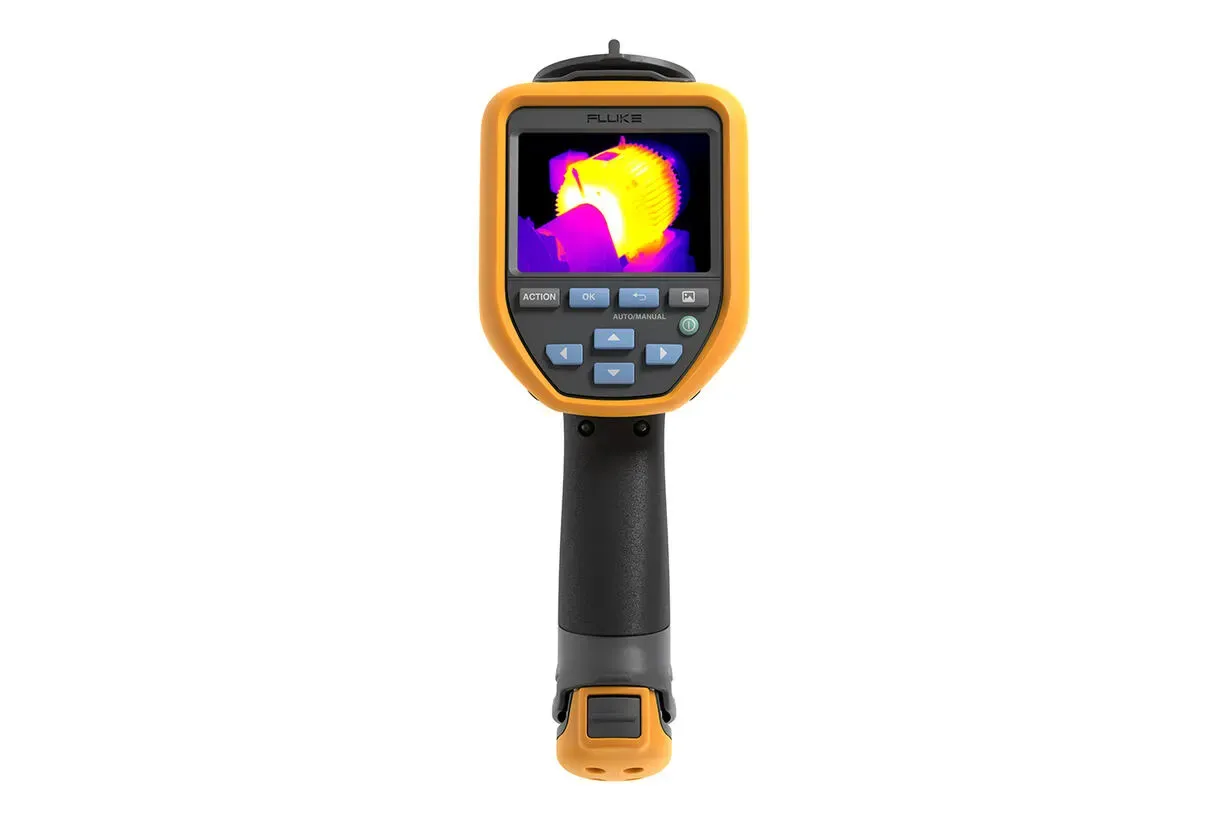




The Cost of Not Seeing What’s Coming
Every electrical contractor, maintenance technician, and facilities manager knows the scenario: a switchboard that looked fine on a visual inspection trips a breaker three weeks later. A motor runs hot for months before anyone notices the bearing is failing. An HVAC unit chews through energy because no one could see the heat loss behind the panel.
The problem isn’t a lack of skill — it’s a lack of visibility. Thermal anomalies that precede failure by days or weeks are invisible to the naked eye. And when your team is covering dozens of assets across a site, the old approach of manual notes, phone-photographed screens, and spreadsheet-matched serial numbers just doesn’t hold up.
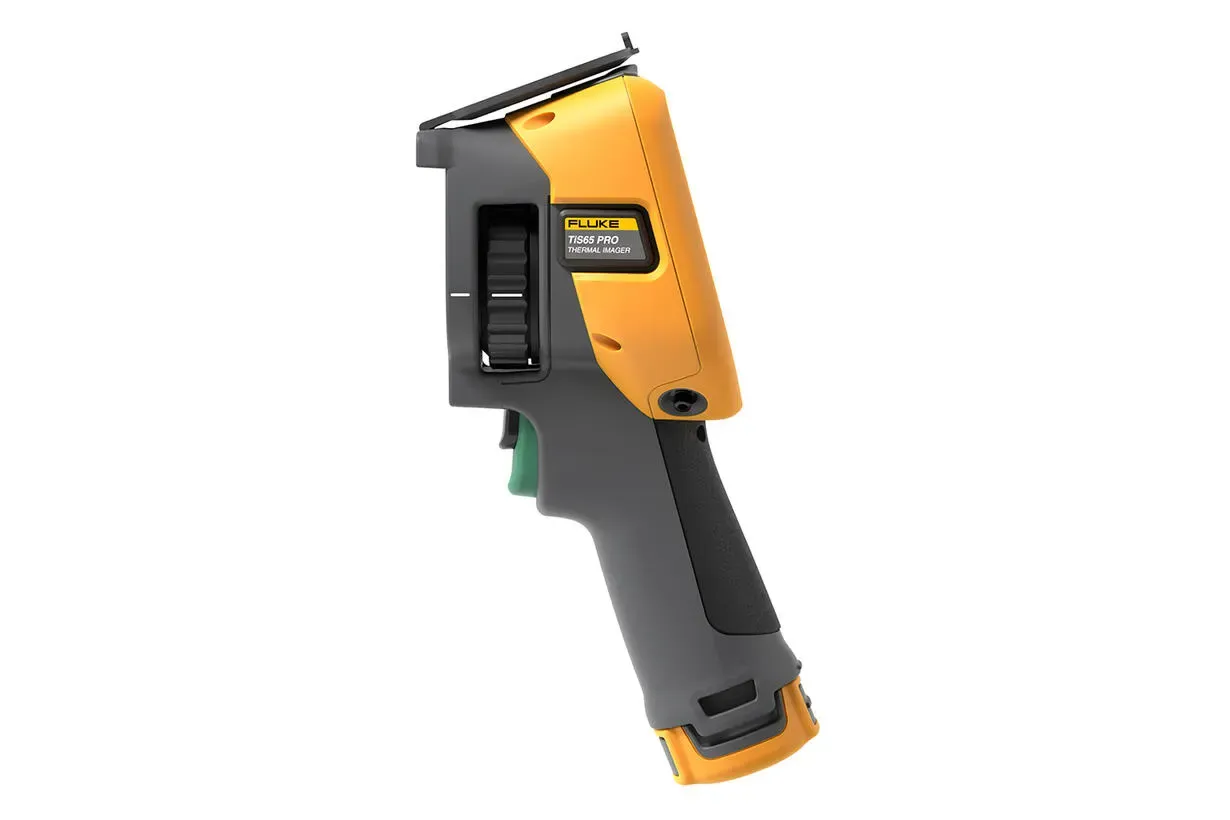
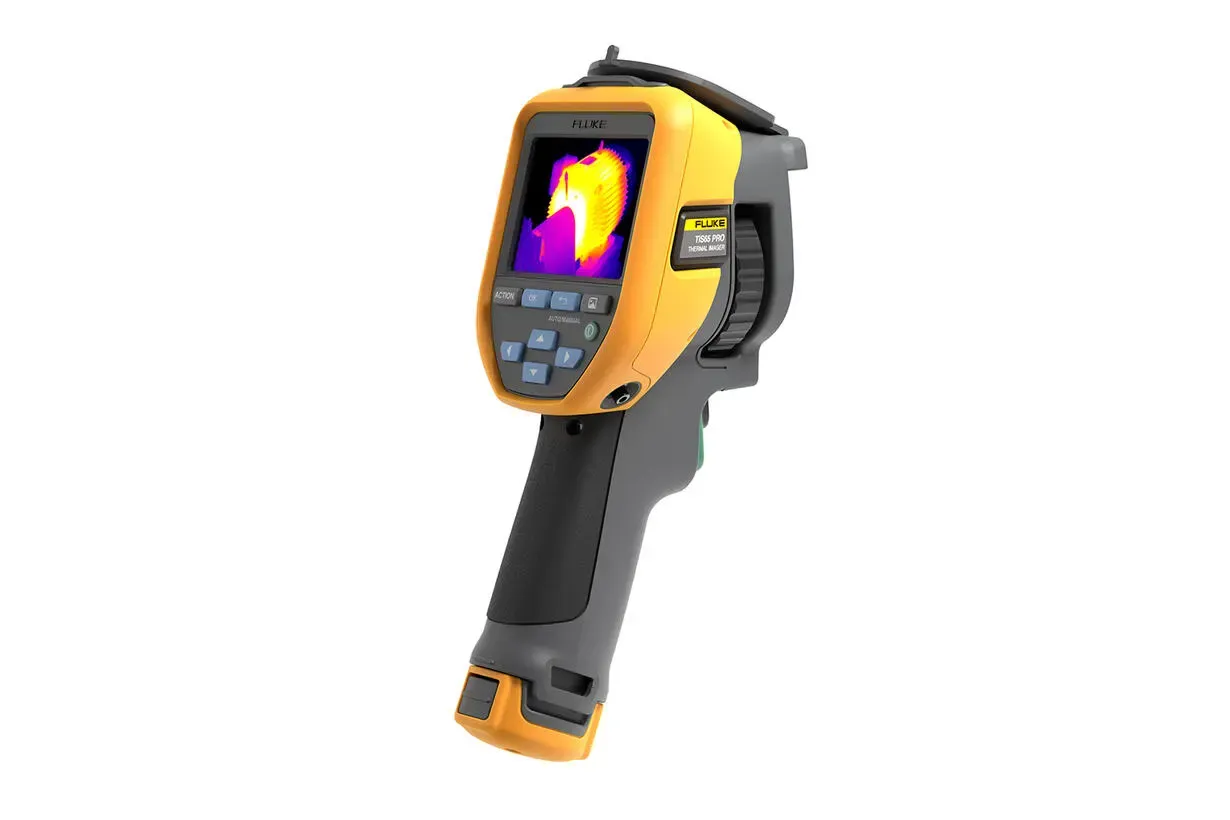
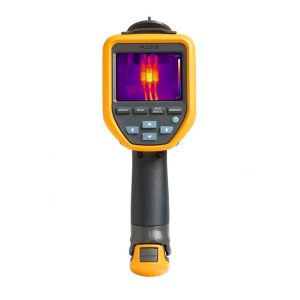
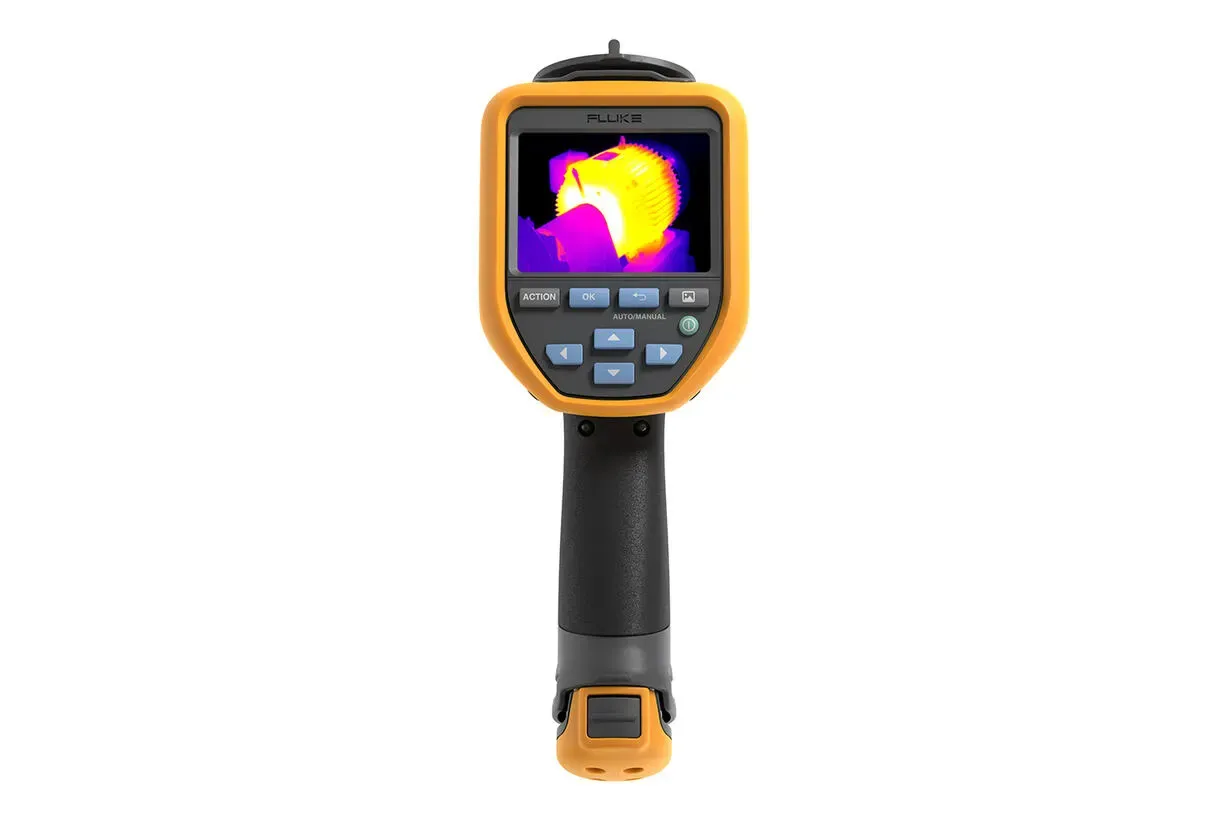
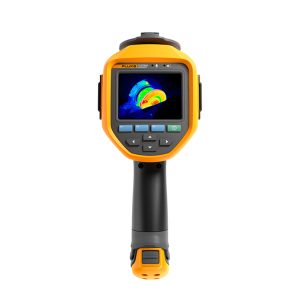
The Fluke TiS65 PRO is built to close that gap. It brings together a high-resolution infrared detector, an intelligent workflow system, and a wireless-first documentation process that turns every inspection into a structured, traceable data set — without slowing your team down.
Clear Images. Confident Diagnoses.
At the heart of the TiS65 PRO is a 320×240 uncooled focal plane detector producing 76,800 pixels of radiometric thermal data per frame. That’s the resolution you need to clearly differentiate a hot connection from its surrounding components, or identify a failing bearing within a motor housing — not just detect a warm area.
Engage SuperResolution mode and the camera’s onboard processing combines multiple frames to produce a 640×480 enhanced image — nearly quadrupling the effective pixel count for detailed post-inspection analysis. Pair that with a thermal sensitivity of ≤40 mK (0.04°C) and the camera is picking up temperature differences most faults announce themselves with well before they become critical.
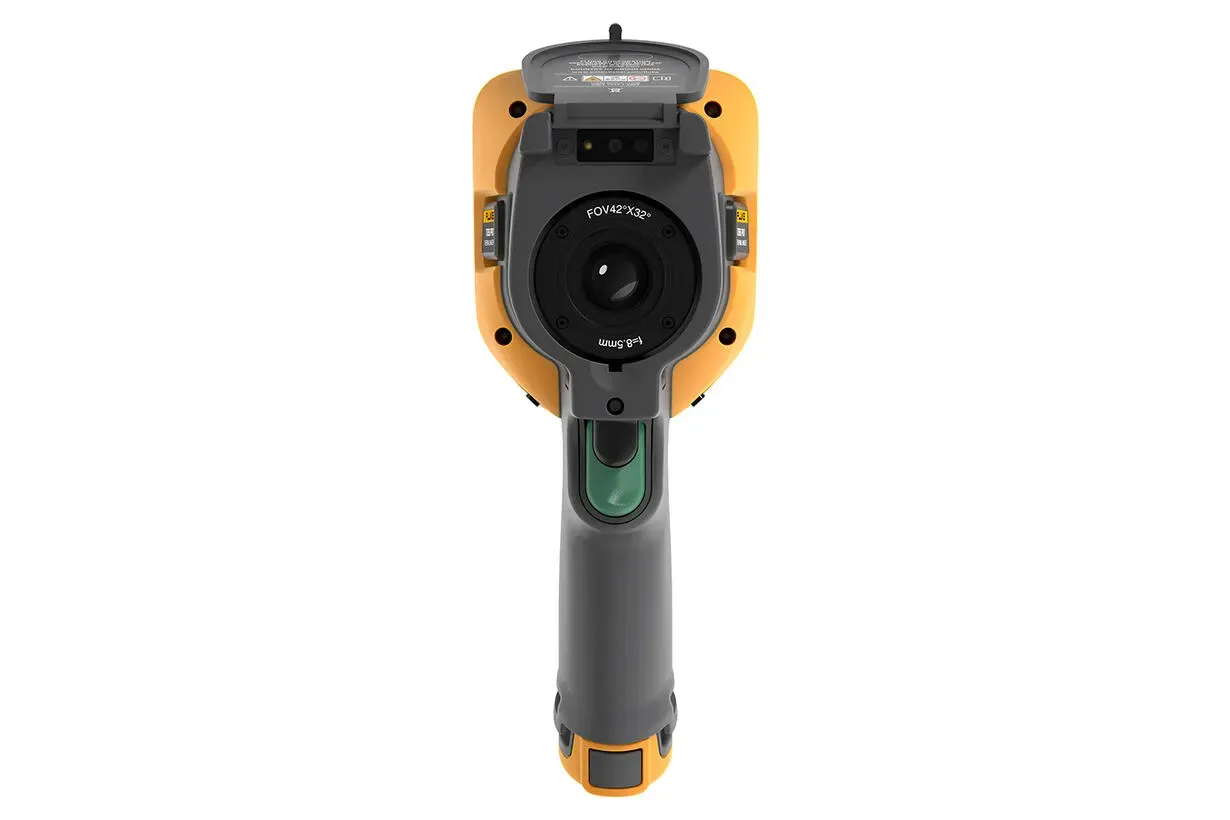
The 42°×32° field of view is well-matched to the kind of work Australian electricians and maintenance teams encounter daily: switchboard bays, motor control centres, distribution panels, and HVAC plant rooms where you’re typically working at distances of one to three metres. The manual focus plus focus-free system gives you flexibility — snap a quick focus-free image in a busy corridor or dial in precise manual focus when you need crisp detail on a specific terminal.
The 13MP visible light camera captures full-colour reference images alongside every thermal shot, and IR-Fusion blending (adjustable from 0–100% in 1% steps) lets you overlay thermal and visible data in whatever ratio tells the clearest story for your report.
A Smarter Inspection Workflow — Four Steps, Done
What sets the TiS65 PRO apart from older thermal imagers isn’t just image quality. It’s the end-to-end workflow that eliminates the manual steps that waste time and introduce errors.
Step 1 — Load a preset and start shooting immediately. The configurable ACTION button gives instant access to up to 50 saved measurement profiles. Need to switch from a general electrical scan to a 3-phase balance check? One press. The camera loads emissivity, background temperature, distance, palette, and alarm thresholds automatically — so results are consistent whether it’s your senior tech or a grad doing the round.
Step 2 — Scan the QR code, skip the paperwork. Point the TiS65 PRO at the asset tag and it reads the QR code, automatically names the image file in the correct format (Equipment Name_Date_Time), and associates it with the right asset in your library. No manual serial number entry. No mismatched files at the end of the day.
Step 3 — Send images wirelessly before you leave the site. Enable the camera’s Wi-Fi hotspot, connect your phone or tablet, and images transfer instantly via browser — no software install required. Issues flagged on-site get reported in real time, not after a data transfer session back at the office.
Step 4 — One-click reporting in Fluke Connect Express. Upload your session to the free Fluke Connect Express analysis software and generate a professional, customisable inspection report with historical trend data. The software handles the formatting; you handle the decisions.
Route Inspection: No Missed Test Points, Consistent Parameters Every Time
For facilities managers and maintenance teams running regular thermal inspection programs, the TiS65 PRO’s built-in route inspection function is a step-change in process control.
Routes are created in Fluke Connect Express — defining the assets, their order, and the measurement profile for each test point — then downloaded to the camera. On-site, your technician follows the guided route, and every captured image is automatically archived to the correct test point. Progress is tracked in real time on the camera display.
The result is a systematic, documented inspection that produces consistent data regardless of who’s running it — critical when your team has varying experience levels, or when you’re working with third-party service providers across multiple Australian sites.
Who Uses the TiS65 PRO?
Electrical Contractors & Maintenance Technicians Switchboard inspections, motor control centre surveys, cable termination checks, and substation audits. The 42° lens covers typical panel-to-technician working distances, and the 3-phase temperature difference calculation built into the preset system makes imbalance detection fast and standardised — critical for AS/NZS 3000 compliance documentation.
Facilities Managers & Building Inspectors HVAC plant room surveys, building envelope diagnostics, heat loss assessments, and energy audit documentation. The route inspection function ensures nothing is missed across complex multi-tenancy buildings. Wireless transfer means findings are in your inbox before you leave the plant room.
Industrial Maintenance Teams Motor bearing condition monitoring, conveyor system thermal surveys, process equipment inspections, and hydraulic system checks. The camera’s -10°C to 50°C operating range and IP52 ingress protection rating keep it running through the kind of conditions you find in Australian industrial facilities — dust, humidity, and the occasional knock.
Solar Technicians String-level hot spot detection and inverter thermal surveys on large-scale solar installations. The 42° field of view captures multiple panels in a single frame at typical rooftop or ground-mount working distances. Images transfer wirelessly to a tablet for on-site triage — no need to climb back up to the roof to check results.
Australian Compliance & Certification
The Fluke TiS65 PRO carries RCM certification (IEC 61326-1) confirming it meets Australian electromagnetic compatibility requirements for use in industrial environments. Safety is rated to IEC 61010-1 pollution degree 2.
For teams working under thermal imaging maintenance programs aligned with AS/NZS 3000 (Wiring Rules) or internal WHS maintenance frameworks, the camera’s route inspection and automatic archiving functions provide the structured documentation trail that compliance audits require.
A 2-year manufacturer warranty is included, and Fluke recommends a 2-year calibration interval. NATA-traceable calibration services are available to maintain measurement traceability for your quality management system.
Technical Specifications
| Specification | TiS65 PRO | Why It Matters |
|---|---|---|
| Infrared Resolution | 320 × 240 (76,800 pixels) | Sufficient detail to identify individual fault points within a switchboard bay or motor terminal box |
| SuperResolution | 640 × 480 | Near-doubles effective resolution for detailed post-inspection image analysis |
| Detector Type | Uncooled focal plane array | No cooldown time, no moving parts — ready to shoot from the moment you power on |
| Spectral Response | 8–14 µm | Long-wave IR band provides reliable readings on most electrical, mechanical, and building materials |
| Field of View | 42° × 32° | Optimised for 1–5m working distances typical in panel and plant room inspections |
| IFOV | 2.29 mRad | Minimum resolvable target size at distance — suited for standard Australian switchboard work |
| Minimum Focus Distance | 0.1 m | Close-focus capability for confined switchboard or junction box work |
| Focus System | Manual + Focus-Free | Quick shots or precise detail — your call |
| Agile Focus | Yes | Shortened focus stroke for faster acquisition of sharp images |
| Thermal Sensitivity | ≤40 mK (0.04°C) | Detects subtle thermal gradients that precede component failure |
| Temperature Range | -20°C to 600°C | Covers everything from cold joints in refrigeration plant to live electrical fault temperatures |
| Accuracy | ±2°C or ±2% (whichever is greater) | At 18–28°C ambient — industry-standard accuracy for maintenance thermography |
| Frame Rate | 9 Hz | Standard acquisition for stationary asset inspection |
| Visible Light Camera | 13 MP | High-resolution reference images alongside every thermal shot |
| IR-Fusion | 0–100% blend, 1% step | Precise control over thermal/visible overlay for reporting clarity |
| Display | 3.5″ touchscreen, 640×480 LCD | Clear viewing in Australian outdoor and industrial lighting conditions |
| Preset Profiles | 50 saveable measurement profiles | Standardise testing parameters across your entire team |
| Preset Shortcut Keys | 6 configurable | Fast access to your most-used functions |
| 3-Phase ΔT Calculation | Yes | Built-in — no manual calculation for phase imbalance detection |
| Custom ΔT Calculations | 3 | Set up differential temperature alarms for specific equipment types |
| User-Definable Markers | 5 points, 5 lines, 5 areas | Comprehensive on-screen analysis tools |
| Severity Annotations | 4 levels (Normal / Moderate / Severe / Extreme) | Standardised fault classification for reporting |
| Voice Annotation | Yes (60s via Bluetooth headset) | Hands-free site notes while wearing PPE |
| QR Code / Barcode Asset Tagging | Yes | Automatic image naming and asset association |
| Wireless Connectivity | Wi-Fi (2.4 GHz) | Direct transfer to phone or PC without software installation |
| Route Inspection | Yes | Pre-defined inspection paths managed via Fluke Connect Express |
| Video Recording | MP4 | Document dynamic thermal events |
| Dew Point Calculation | No | — |
| Fully-Radiometric Streaming | No | — |
| Storage | 64 GB SD (expandable to 1 TB) | Store thousands of full-radiometric JPEG images on a single card |
| Battery Life | >5 hours | Full day’s work on a single charge |
| Batteries Included | 2 × Li-ion (field-replaceable) | Swap in the field; keep shooting |
| Charging | Type-C (charging + data transfer) | Universal cable compatibility on site |
| Drop Rating | 2 m engineered drop | Built for the reality of field use |
| Ingress Protection | IP52 | Dust and light water spray resistant |
| Operating Temperature | -10°C to 50°C | Covers Australian outdoor conditions from alpine to tropical |
| Safety Standard | IEC 61010-1 Pollution Degree 2 | — |
| EMC Certification | IEC 61326-1 Industrial | — |
| Australia RCM | RCM IEC 61326-1 | Confirmed compliant for Australian market |
| Weight | 950 g (with battery) | One-handed ergonomic design |
| Warranty | 2 years | — |
| Recommended Calibration | Every 2 years | — |
In the Box: TiS65 PRO thermal imager, 2× Li-ion batteries, 2-bay battery charging base, 65W Type-C charger with interchangeable plug adaptors, Type-C charging/data cable, 64 GB SD card, adjustable hand strap, soft transport bag, hard carrying case, Fluke Connect Express software (free download).
What thermal camera should I use for Australian switchboard inspections?
For Australian LV switchboard and MCC thermal inspections, a thermal imager with at least 320×240 infrared resolution is recommended for identifying individual connection anomalies within a crowded panel. The Fluke TiS65 PRO meets this threshold and adds features relevant to structured maintenance programs: built-in 3-phase temperature difference calculation, QR code asset tagging for automatic image naming, and route inspection to ensure no test points are missed. A 42° field of view covers standard working distances in switchboard bays, and the camera’s RCM certification confirms compliance with Australian EMC requirements.
How do I document thermal inspection results for compliance in Australia?
Thermal inspection documentation for Australian compliance purposes typically requires traceable image files linked to specific assets, timestamped records, and temperature readings with known accuracy. The Fluke TiS65 PRO supports this through: automatic asset naming via QR code scanning, radiometric JPEG files with embedded temperature data, route inspection archiving through Fluke Connect Express software, and a 2-year calibration interval with NATA-traceable calibration available. For WHS maintenance program documentation aligned with AS/NZS 3000, the route-based workflow provides the structured audit trail required.
What is SuperResolution on a Fluke thermal camera?
SuperResolution is an image enhancement mode available on the Fluke TiS65 PRO and TiS75 PRO series. The camera captures multiple frames and uses onboard processing to produce an enhanced image with greater pixel density than the native detector resolution — the TiS65 PRO’s native 320×240 output is enhanced to 640×480 in SuperResolution mode. This improves the visibility of fine detail in thermal images, particularly useful for static equipment inspections where you want maximum resolution for reporting and analysis.
Can a thermal camera transfer images wirelessly without an internet connection?
Yes. The Fluke TiS65 PRO creates its own Wi-Fi hotspot that nearby phones or laptops can connect to directly — no internet connection or software installation required. Once connected, images are accessible via a browser and can be downloaded immediately. This is particularly useful on industrial sites where USB data ports may be restricted, or where reporting findings in real time to a team supervisor is required.
How does route inspection work on a thermal imager?
Route inspection on the Fluke TiS65 PRO works in three stages. First, inspection routes are created in Fluke Connect Express software — defining which assets to inspect, in what order, and with what measurement settings. Second, the route is downloaded to the camera, which then guides the technician through each test point on site, automatically applying the correct measurement profile and archiving images to the correct asset. Third, completed inspection data is uploaded back to Fluke Connect Express for trend analysis and report generation. This approach prevents missed inspections, standardises parameters across different operators, and produces structured records suitable for maintenance management systems.








Reviews
There are no reviews yet.